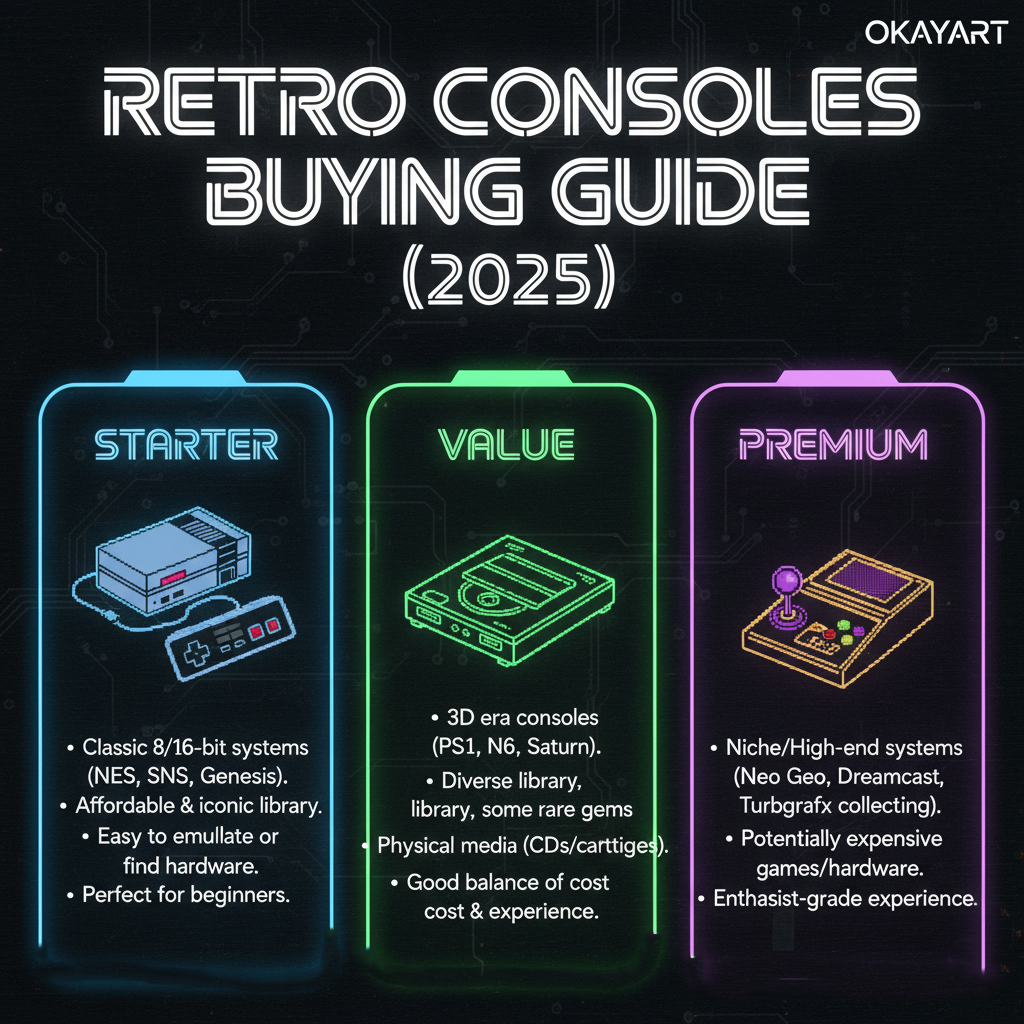
Retro Consoles Buying Guide (2025): Starter · Value · Premium
New to retro or upgrading your setup? This guide helps you choose the right brand‑new console for US TVs, with simple paths for HDMI/AV, clear expectations on picture quality, and picks for different budgets. Built for NTSC‑U (US) and real hardware—no ROMs/BIOS.
Key takeaways
- Pick by display (handheld vs living room), output (HDMI/AV), library (what you want to play), and budget.
- For plug‑and‑play on modern TVs, native HDMI or a good upscaler beats cheap adapters.
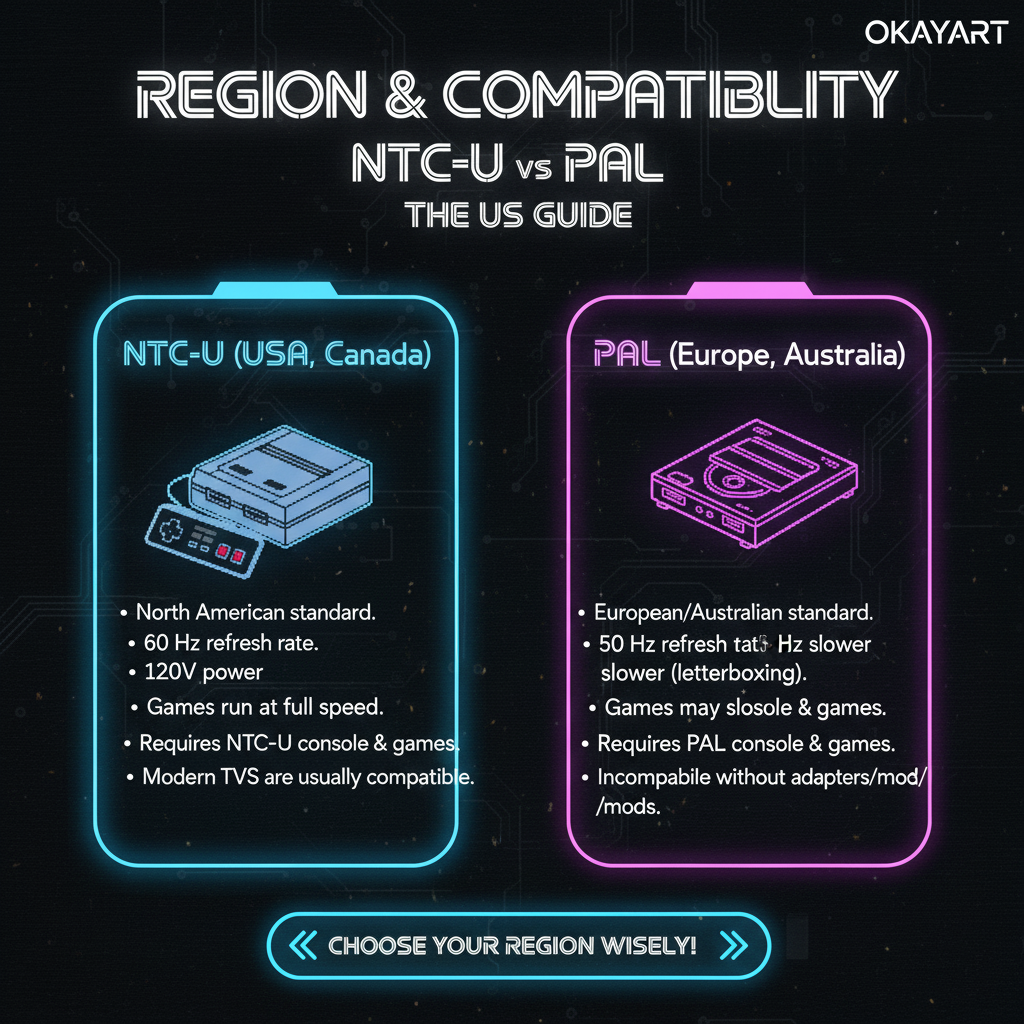
- Prefer NTSC‑U consoles in the US; PAL may need a scaler and can run at 50 Hz.
On this page: How to choose · Decision flow · Handheld picks · TV console picks · Bundles (starter kits) · Budget builder · FAQ
How to choose (what really matters)
- Display & space: Handheld for portability; TV console for couch play and big‑screen nostalgia.
- Output: HDMI is simplest. AV/Component need a TV that supports analog or a scaler.
- Library: Which generation and franchises? Choose the system that natively plays them.
- Latency & picture: Enable TV Game Mode; avoid long conversion chains; use decent cables.
- Region & power: Prefer NTSC‑U; match voltage/polarity; use reputable PSUs.
Quick decision flow
- Do you want portable play? → Handheld picks. Otherwise go TV console picks.
- Does your TV have analog inputs? If not, aim for HDMI or plan a scaler.
- Set a budget (Starter / Value / Premium) → pick the tier card and follow the link.
Handheld picks (brand‑new)
Starter
- Portable fun, simple UI, solid battery.
- Great for casual classics and kids.
- Optional TV‑out via dock or cable (model‑dependent).
Value
- Better screen/controls; longer battery life.
- Good balance of price and build.
- Some models support clean HDMI‑out.
Premium
- High‑grade panel and controls; top build quality.
- HDMI‑out / docking ready; excellent accessories.
- For collectors and daily power users.
TV console picks (brand‑new)
Starter
- Plug‑and‑play basics; AV→HDMI adapter included if needed.
- Optimized for “turn on and play”.
- Best for first setup on a 1080p TV.
Value
- Cleaner picture via Component/RGB with scaler options.
- Low‑lag setup on most modern TVs.
- Best price‑to‑picture ratio.
Premium
- Native HDMI or RGB/Component into a quality upscaler.
- Excellent build, minimal latency, long‑term reliability.
- Great for 4K TVs with clean scaling.
Bundles (starter kits)
Want everything in one box? Our bundles include the console, controller(s), power, and a TV‑ready video path—ideal for gifts and first setups.
- Starter bundle: Console + HDMI/AV path + quick start leaflet.
- HDMI bundle: Console + certified HDMI + optional scaler choice.
- Premium bundle: Console + RGB/Component + upscaler + accessories.
Budget builder (what to expect)
| Tier | What you get | Notes |
|---|---|---|
| Starter | Console + basic TV path (AV→HDMI if needed) | Best for casual play on 1080p TV. |
| Value | Console + better output (Component/RGB) + optional scaler | Sharper image with low‑lag setup. |
| Premium | Console + native HDMI or quality scaler + accessories | Clean picture on 4K, collector‑grade setup. |
Confidence: All consoles are brand‑new, inspected, and backed by 12‑month warranty and 30‑day returns. Free tracked US shipping and PayPal secure checkout.
FAQ
Q: Should I buy brand‑new or refurbished?
A:Brand‑new ensures fresh plastics, clean contacts, and full warranty support. Refurb quality varies; check seller coverage.
Q: Do I need an upscaler?
A:If your console doesn’t have HDMI and your TV lacks analog inputs—or you want cleaner picture—yes, a dedicated scaler is worth it.